
JEE Main 2027 Live Photo Mismatch Error: Causes and Fixes While Applying
Published 8 Nov 20263 min read
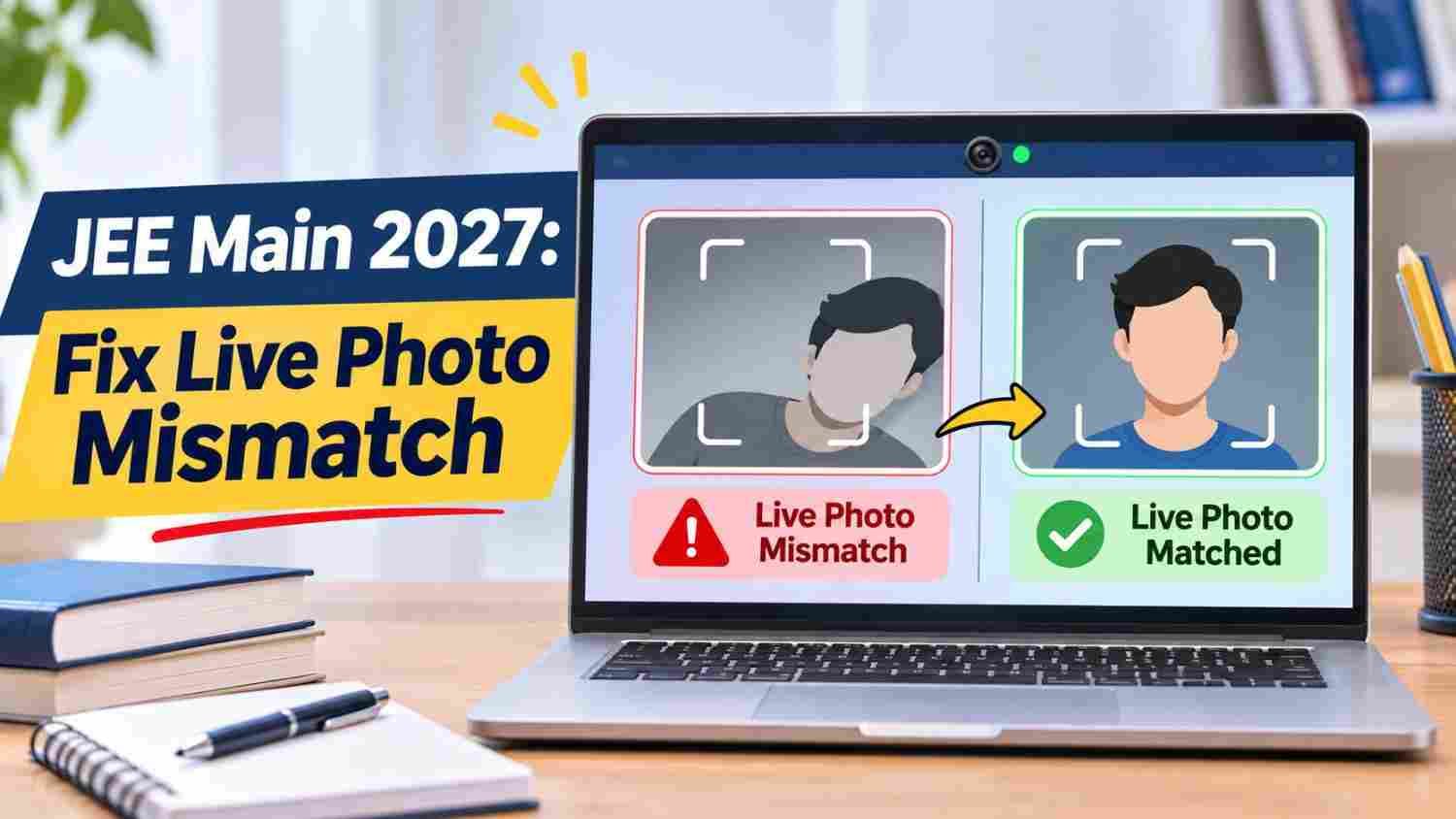
Candidates applying for JEE Main 2027 may see a live photograph mismatch error when they capture their webcam photo in the application form. The most common causes are an outdated photo on the Aadhaar record, poor lighting, a weak internet connection, or a camera issue.
The National Testing Agency (NTA) is accepting JEE Main 2027 Session 1 applications at jeemain.nta.nic.in until November 22, 2026 (11:50 PM). Candidates who hit this error should fix it early, because an Aadhaar photo update can take time.
What Is the Live Photo Mismatch Error?
During registration, candidates upload a scanned photograph and also capture a live photograph through the portal. The error appears when the live photo does not match the photo on the candidate’s identity record, such as Aadhaar. It can also appear when the portal cannot capture the photo at all.
Why Does It Happen?
- Old Aadhaar photo: The photo on the Aadhaar record may be much older than the live photo.
- Slow internet or server trouble: The live photo may fail to upload.
- Webcam or camera problems: The device camera may not capture a clear image.
- Poor lighting or background: A dim room or cluttered background can make the face hard to read.
How to Fix the Live Photo Mismatch Error
| Problem | What to do |
|---|---|
| Aadhaar photo is old | Visit a nearby Aadhaar update centre and update your current photograph. |
| Slow internet or server issue | Wait a while, check your connection, and try again on a stable network. |
| Poor lighting or background | Use a light-coloured background, ensure good lighting on your face, and keep your face clearly visible. |
| Camera or device problem | Check camera permission and try again; switching devices or browsers can help with technical faults. |
| Error keeps appearing | Contact NTA through the official website. |
A new device or a better camera solves technical faults, but it will not fix a real difference between your live photo and your Aadhaar photo. For that, the Aadhaar photo needs updating.
Tips Before You Capture the Photo
- Check your Aadhaar photo first, so you know whether it looks like you today.
- Sit facing a light source, with your face centred and fully visible.
- Use an unedited photo for the scanned upload.
- Follow the photo and signature rules in the JEE Main 2027 information bulletin, not last year’s form.
Registration Deadline: Don’t Wait
Session 1 registration closes on November 22, 2026, at 11:50 PM. Reports mention a late-fee window of ₹500 from November 23 to 26, 2026 [VERIFY in the information bulletin]. Because an Aadhaar update may not finish quickly [VERIFY processing time], candidates with an old photo should start now.
Where to Get Help
If the error continues after retries, contact NTA through jeemain.nta.nic.in. Reports list the helpline as 011-69227700 and the email as jeemain@nta.ac.in [VERIFY against the official site].
What Happened in JEE Main 2026
In the 2026 cycle, NTA issued an advisory on January 2, 2026, on photo-mismatch cases and extended the deadline to January 15, 2026, for affected candidates, who were asked to submit an attested certificate with a recent photograph as a PDF. This was last year’s arrangement. NTA has not been confirmed to follow the same process for 2027 [VERIFY].


