
CLAT 2027 Application Correction Window Opens: Edit Form and Change Test Centre Until 10 November
Published 4 Nov 20265 min read
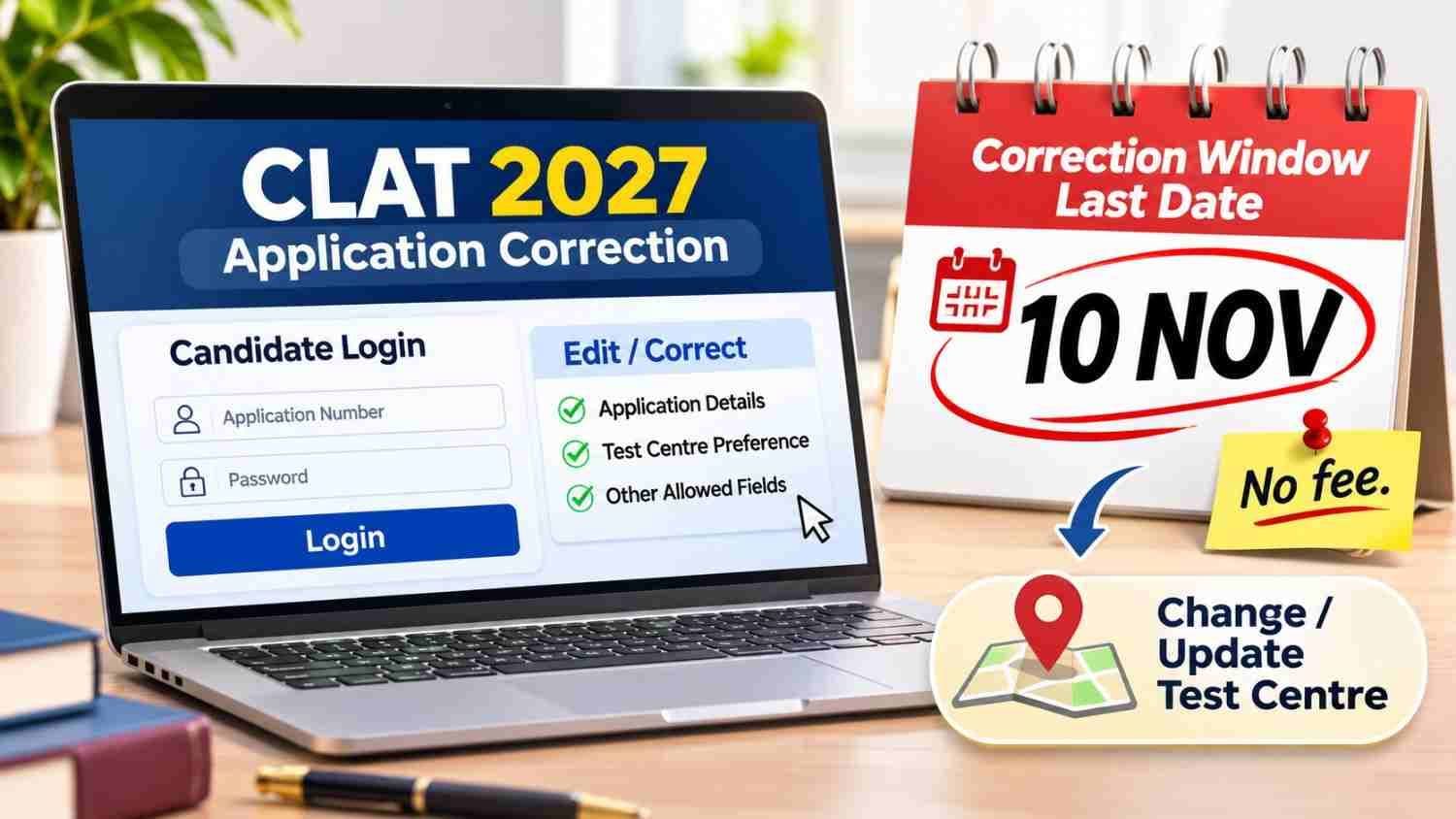
The Consortium of NLUs has opened the CLAT 2027 application correction window. Registered candidates can edit specific fields and change their test centre preference until 10 November 2026, 11:59 PM. There is no fee for corrections. New registrations close on 7 November 2026 .
What the Correction Window Allows
The Consortium of National Law Universities released a notification on 3 November 2026 confirming two facilities for registered CLAT 2027 candidates :
Change in Test Centre Location — Candidates can select a different exam city from the available list.
Correction of Incorrect Entries — Candidates can fix specific details in their submitted application form.
Both facilities are available only until 10 November 2026, 11:59 PM. The Consortium has stated that requests received after this deadline will not be entertained "in any circumstances" .
Editable Fields
Not every field can be changed. According to the official correction process, the following fields are editable :
| Field | Can Be Edited? |
|---|---|
| Test Location Preferences | Yes |
| Name | Yes |
| Date of Birth | Yes |
| Programme Applied (UG/PG) | Yes |
| Reservation Eligibility | Yes |
| Registered Email/Mobile | [VERIFY] — Not listed as editable in available sources |
If your error involves a field not on this list, contact the Consortium helpdesk immediately. Do not assume a later window will open.
Key Dates
| Event | Date |
|---|---|
| Notification released | 3 November 2026 |
| Correction window closes | 10 November 2026, 11:59 PM |
| New registration closes | 7 November 2026 |
| CLAT 2027 exam | 6 December 2026 |
| Exam timing | 2:00 PM to 4:00 PM |
Important distinction: The correction window (10 November) closes three days after new registrations close (7 November). If you have not yet registered, you cannot use the correction window to create a new application. You must complete a fresh registration by 7 November .
How to Correct Your Application: Step-by-Step
Based on the official process outlined by the Consortium :
- Log in to your CLAT 2027 account at consortiumofnlus.ac.in/clat-2027/.
- Click "Print Application" to review your current details.
- If changes are needed, click "Edit Application".
- Navigate to the "Preferences" tab to update your test location preferences.
- Click Next (>), then go to the "Reservation" tab.
- Agree to the declaration and review the complete form carefully.
- Click "Submit Form" to save your corrections.
- There is no correction fee. You do not need to make any payment to edit your form during this window .
Critical: After submitting, download and save the revised confirmation page. If you do not receive a confirmation, the correction may not have been recorded.
Registration Deadline: 7 November for New Applicants
The Consortium extended the original CLAT 2027 registration deadline (31 October 2026) to 7 November 2026 . Candidates who have not yet submitted an application must do so by this date. The correction window is not a substitute for registration—it only serves candidates who already have a submitted application.
What Happens If You Miss the Window
If a critical error remains in your application after 10 November 2026, the Consortium's stated position is that no further corrections will be accepted . The practical consequences depend on the error:
Wrong test city: You may be allotted a different city than you intended, potentially affecting travel and logistics.
Wrong category/reservation status: This could affect your eligibility for reserved seats and fee concessions.
Wrong name/DOB: This may create verification problems at the admit card and admission stages.
Wrong programme (UG/PG): You may be scheduled for the wrong paper.
The Consortium has not published a formal remedy process for uncorrected errors. Check your form now, not later.
Official Link
CLAT 2027 correction portal: consortiumofnlus.ac.in/clat-2027/
