
Tamil Nadu DPharm Round 2 Allotment Order 2026 Out: Download Till October 14
Published 10 Oct 20262 min read8 Views
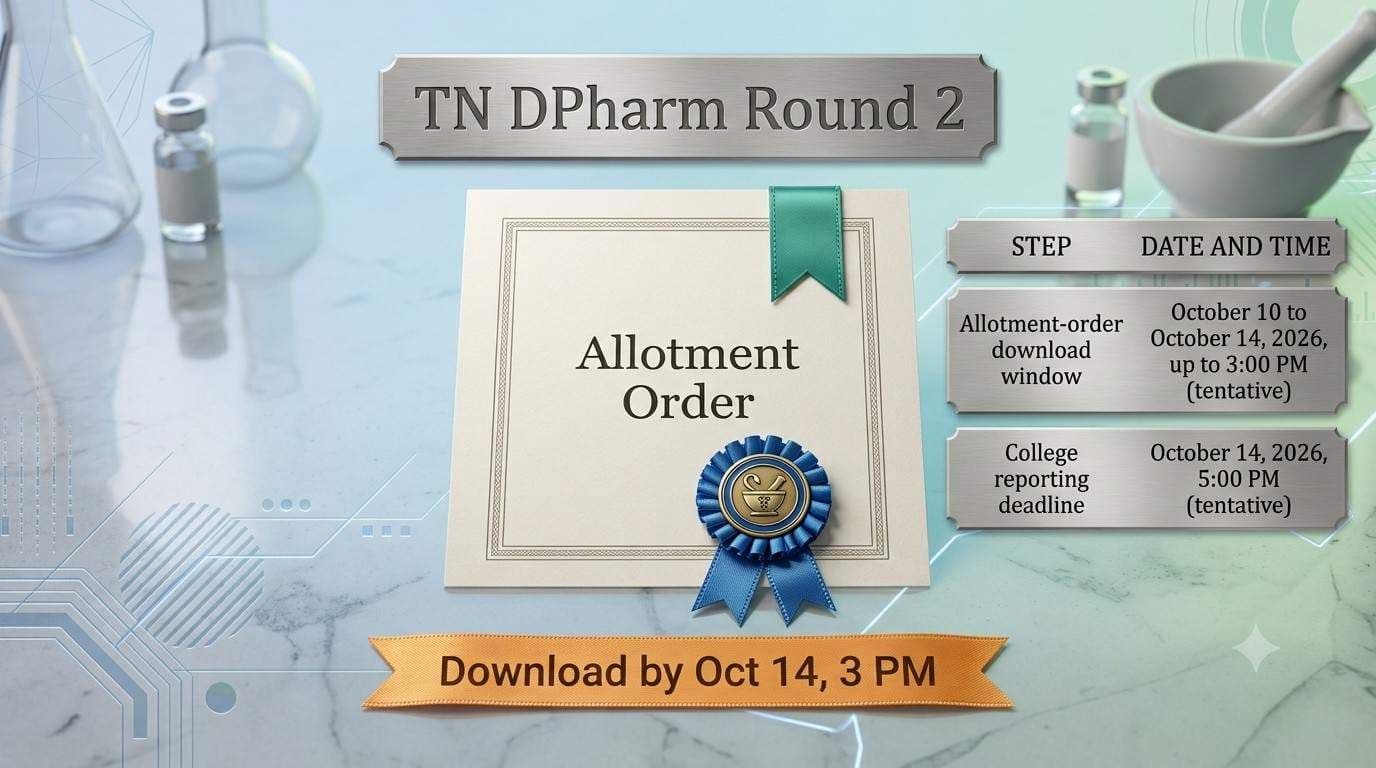
The Tamil Nadu Selection Committee has activated the allotment-order login for DPharm Round 2 counselling 2026–27. Candidates on the provisional allotment list can download their order until 3:00 PM on October 14, 2026, and must report to their allotted college by 5:00 PM on the same day. Both dates are tentative.
Key Dates
| Step | Date and time |
|---|---|
| Allotment-order download window | October 10 to October 14, 2026, up to 3:00 PM (tentative) |
| College reporting deadline | October 14, 2026, 5:00 PM (tentative) |
The download window closes two hours before the reporting deadline. Download first, then travel to the college.
How to Download the DPharm Round 2 Allotment Order
- Open the official allotment-order login (link below).
- Log in with your credentials.
- Verify your allotted college and category.
- Download the allotment order and keep a printed copy.
[VERIFY the login fields and whether a tuition fee must be paid before downloading; related Tamil Nadu counselling schedules have used this step]
Official Links
- Allotment-order login: https://counpmc1.tnmedicalonline.co.in/dpharm26a
- Provisional allotment list (PDF): https://tnmedicalselection.net/news/09102026020152.pdf
- Official notices: https://tnmedicalselection.net/
What to Check Before Reporting
- Your allotted college and category on the order.
- The original documents and instructions listed in the order and official notice.
- The college’s reporting time, since the deadline is 5:00 PM on October 14.
Check these before travelling or paying any fee.
What Happens Next
Candidates who download the order should report to the allotted college by the deadline. Candidates not on the provisional list should watch the official notices for later steps. The source does not mention a Round 3, so don’t assume one.