
UGC NET Answer Key 2026 Live: NTA NET June Provisional Key PDF Download Link Today @ugcnet.nta.nic.in
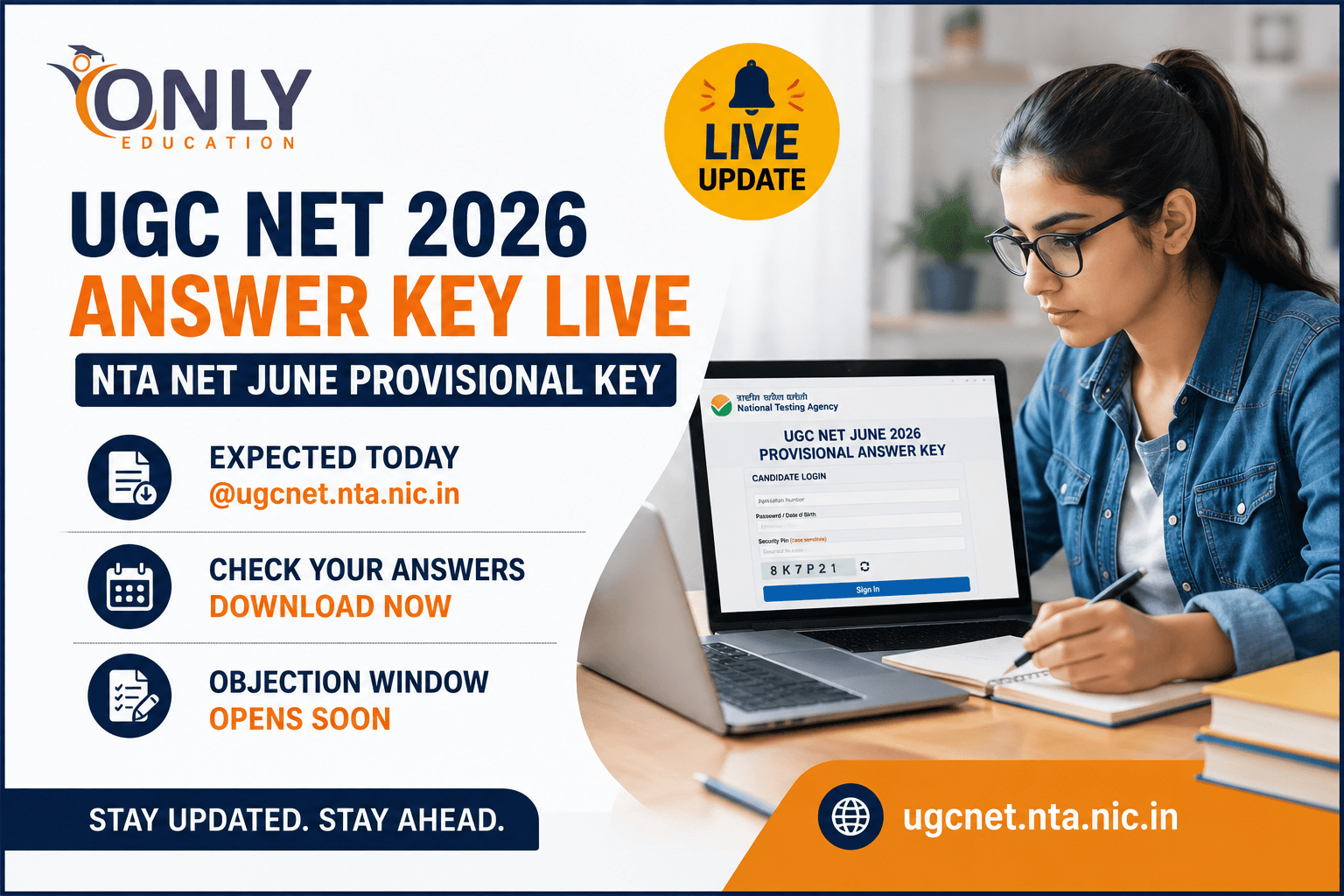
All eyes are on the NTA website today as lakhs of UGC NET aspirants wait for the provisional answer key to go live. The National Testing Agency (NTA) is expected to release the UGC NET 2026 provisional answer key for the June session anytime today on the official portal, ugcnet.nta.nic.in. As per the official notice, the key was slated to come out this week, and candidates have been refreshing the site since morning hoping to catch the update the moment it drops.
Once released, the answer key will be accompanied by the question paper and the response sheet, giving candidates everything they need to cross-check their answers and get a fair sense of how the exam went. Alongside the key, a limited-window objection facility will also open, allowing candidates to formally challenge any answer they believe is incorrect.
For context, the UGC NET exam this year was conducted from June 22 to June 30, 2026, with a re-examination held on July 5 for candidates affected by technical or logistical issues.
Key Timeline at a Glance
Here's a quick summary of how the process typically unfolds, based on official updates so far:
| Stage | Detail |
|---|---|
| UGC NET Exam Dates | June 22 – June 30, 2026 |
| Re-Examination Date | July 5, 2026 |
| Provisional Answer Key | Expected today; official notice indicates release this week |
| Objection Window | Opens shortly after key release, limited duration |
| Objection Fee | ₹200 per question (non-refundable) |
| Final Answer Key & Result | Released after objection window closes |
How to Download the UGC NET Provisional Answer Key 2026
The download process is fairly straightforward once the key is live. Here's what candidates need to do:
- Visit the official website — ugcnet.nta.nic.in
- Click on the Answer Key link for the June 2026 session
- Choose your preferred login method — either Application Number + Password, or Application Number + Date of Birth
- Enter your Application Number, Password or Date of Birth, and the Security Pin shown on screen
- Click on the Sign In button
- Download the answer key, along with the response sheet and question paper, for your records
A quick tip: keep a printout or digital copy of your response sheet handy — it makes cross-verifying your answers against the key a lot faster and helps if you plan to raise an objection.
Two Ways to Log In
| Login Method | Credentials Required |
|---|---|
| Method 1 | Application Number + Password |
| Method 2 | Application Number + Date of Birth |
Both methods also require the security pin displayed on the login screen, so make sure you have your application details noted down before you start.
How to Calculate Your Expected Score
Once you've downloaded the answer key, working out your probable score is simple:
- Each correct answer is awarded 2 marks
- There is no negative marking for wrong answers
- So, Total Score = Number of Correct Answers × 2
This gives candidates a reasonably accurate estimate of where they stand, though the final score may vary slightly if any questions get dropped or altered after the objection process.
Provisional vs Final Answer Key: What's the Difference?
It's easy to confuse the two, so here's a simple breakdown:
- The provisional answer key is released soon after the exam, along with the question paper, and is open to objections from candidates
- The final answer key comes later, after all objections have been reviewed, and is released alongside the result
- The final key uses two special symbols to indicate corrections:
- '%' — marks awarded to all candidates for that particular question
- '&' — question excluded from evaluation entirely
Understanding these symbols matters, because they directly affect how your final score is calculated compared to what you estimate using the provisional key.
Objection Window: What You Need to Know
Once the provisional key is out, candidates who disagree with any answer can raise an objection during the challenge window. A few things to keep in mind:
- The objection window stays open only for a limited period, so don't delay
- Each objection must be raised online through the official portal only
- A non-refundable fee of ₹200 per question applies for every objection raised
- NTA reviews all objections before finalizing the answer key and declaring results
What Happens After the Answer Key?
Clearing UGC NET opens up a wide range of academic and research opportunities. Once results are declared, qualified candidates can look forward to:
- Becoming eligible for Assistant Professor positions in colleges and universities
- Pursuing a lectureship or applying for further academic roles
- Qualifying for JRF (Junior Research Fellowship) to fund their PhD journey
- Enrolling in or continuing a PhD program
- Working in premier research organizations such as ICAR, DRDO, ICMR, and similar institutions
- Setting up independent research labs or working as research scholars in various fields
Stay Tuned for Live Updates
Since the exact release time hasn't been confirmed yet, candidates are advised to keep checking the official website through the day. We'll keep this page updated with the direct download link and any fresh announcements from NTA as soon as they come in.