
RIE CEE 2026 Admit Card Is Out: Here's Everything You Need Before June 28
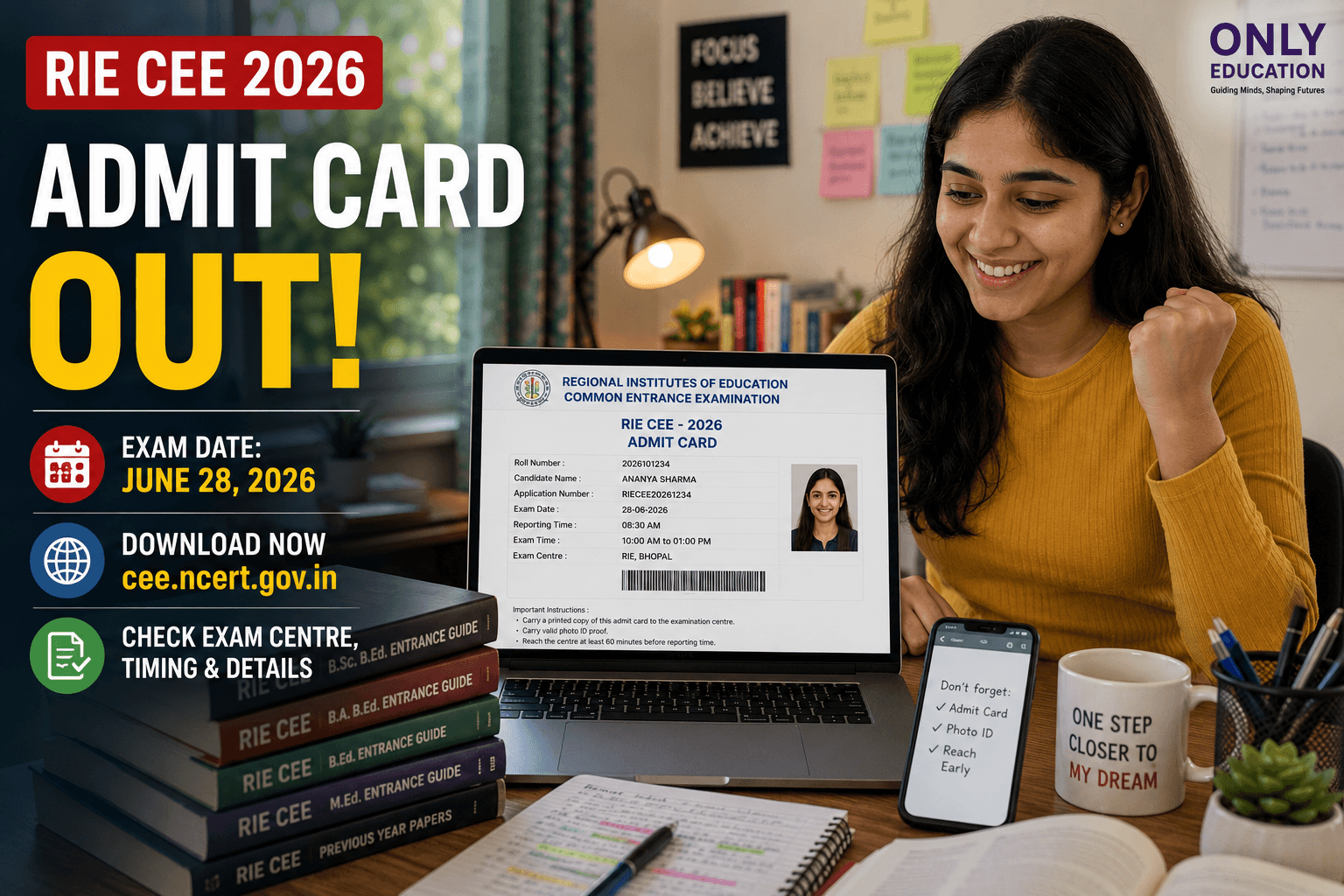
Good news for everyone who's been waiting on this — the RIE CEE 2026 admit card is finally live. If you registered for the Regional Institutes of Education Common Entrance Examination, you can download your hall ticket starting today, June 20, from the official website, cee.ncert.gov.in.
Mark your calendar: June 28 is the day
The exam itself is set for June 28, 2026, and your admit card will carry all the details that actually matter on test day — your exam centre, reporting time, and exam timings. So the moment you download it, that's your first real checklist for the day.
Why this little PDF matters more than it looks
Think of your admit card as doing three jobs at once — it's your entry pass, your identity proof, and your official confirmation that you're authorized to sit for the exam. RIE CEE opens the door to teacher education programs like B.Sc. B.Ed., B.A B.Ed., B.Ed., B.Ed-M.Ed, M.Sc Ed, and M.Ed at Regional Institutes of Education in Ajmer, Bhopal, Bhubaneswar, Mysuru, and Shillong. And here's the part worth repeating — no admit card means no entry. There's no workaround on exam day, so don't leave this for the last minute.
Downloading it is genuinely simple
Here's exactly what to do:
- Go to cee.ncert.gov.in
- Click on the "RIE CEE Admit Card" link on the homepage
- Log in with your Application Number/User ID and password
- Enter the OTP sent to your registered mobile number
- Your hall ticket will show up on screen
- Check every detail, then download and print it
- Print a couple of extra copies while you're at it — better safe than scrambling later
The good news is you don't have to rush — the download stays open right up until exam day, so even if something glitches today, you've got time to sort it out.
A few things worth double-checking
- Print it, don't just save it. Only a physical, printed copy will get you through the gate — no phone screenshots, no digital PDFs, no photocopies.
- Carry a valid photo ID. Your admit card alone won't be enough; bring an original ID along with it.
- Use your Application Number, not your roll number, to log in. Your roll number only shows up after you've successfully logged in — a small detail that trips up more people than you'd expect.
- Forgot your password? No drama — just hit "Forgot Password" on the login page and follow the reset instructions sent via email or SMS.
- No, it won't land in your inbox or mailbox. This one's strictly download-it-yourself. NCERT isn't emailing or posting anything.
If something looks off on your card
The moment you download it, go through your name, roll number, exam centre, and timings carefully. If anything's wrong, don't wait — reach out to the NCERT-CEE helpdesk straightaway so it gets fixed well before exam day, not in a last-minute panic at the centre.
With just over a week left now, the smart move is to download, print, and double-check everything today rather than waiting until the final days, when the website is bound to get busier and slower for everyone trying to log in at once.