
JNU BTech Pre-Enrolment Form 2026 Live at jnuee.jnu.ac.in; Check Process and Documents
Published 25 Aug 20263 min read23 Views
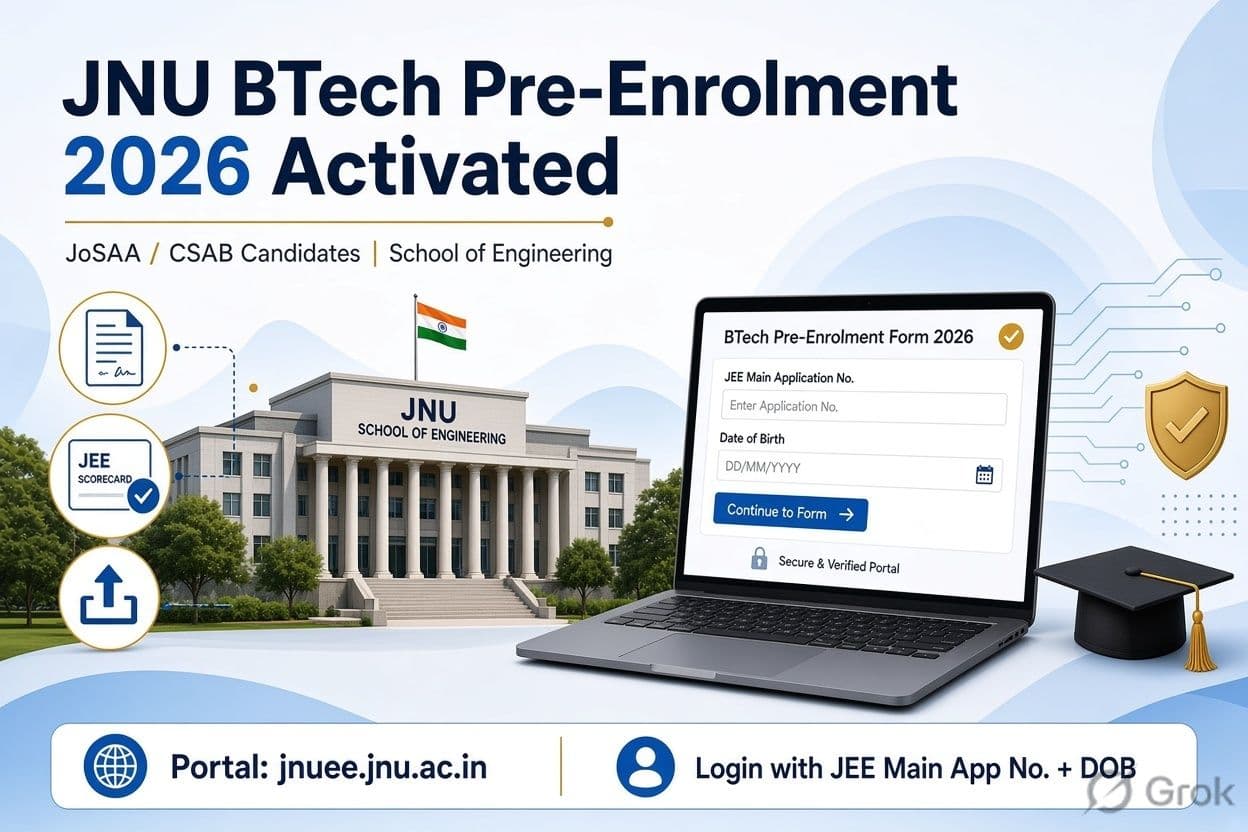
The Jawaharlal Nehru University (JNU) has activated the BTech Pre-Enrolment Form 2026 for candidates allotted BTech seats through JoSAA counselling. Eligible candidates can complete the pre-enrolment process through the official portal at jnuee.jnu.ac.in.
The process is applicable to candidates who have received a JNU BTech seat through the Joint Seat Allocation Authority (JoSAA) counselling. Candidates admitted through the Central Seat Allocation Board (CSAB) rounds are also required to complete the prescribed pre-enrolment process.
Candidates need to log in using their JEE Main application number and date of birth, along with the captcha displayed on the portal. After logging in, candidates can access the required documents, upload certificates and complete the academic fee payment.
JNU BTech Pre-Enrolment 2026: Key Details
| Particulars | Details |
|---|---|
| Conducting Body | Jawaharlal Nehru University |
| Programme | BTech in CSE and ECE |
| School | School of Engineering, JNU |
| Admission Route | JEE Main and JoSAA/CSAB |
| Notice Date | August 25, 2026 |
| Login Credentials | Application Number and Date of Birth |
| Official Portal | jnuee.jnu.ac.in |
Who Can Fill JNU BTech Pre-Enrolment Form?
The pre-enrolment form is available only to candidates who have been allotted a JNU BTech seat through the applicable counselling process. Candidates without a JNU allotment will not be able to proceed with the pre-enrolment process.
Students who have secured admission through JoSAA or eligible CSAB rounds should complete the university's pre-enrolment requirements as instructed on the official portal.
How to Fill JNU BTech Pre-Enrolment Form 2026?
Candidates can complete the JNU BTech pre-enrolment process by following these steps:
- Visit the official JNU BTech admission portal at jnuee.jnu.ac.in.
- Click on the BTech JoSAA/CSAB pre-enrolment link.
- Enter the JEE Main application number and date of birth.
- Enter the captcha and log in.
- Download the fee structure and document list.
- Upload the required documents in the prescribed format.
- Pay the applicable academic fee through the online payment gateway.
- Download and save the payment receipt and confirmation for future reference.
Candidates should check the uploaded documents carefully before submitting the form to avoid verification-related issues.
Documents Required for JNU BTech Pre-Enrolment
Candidates should keep scanned copies of the following documents ready:
- JoSAA seat allotment letter
- JEE Main 2026 scorecard and admit card
- Class 10 marksheet and passing certificate
- Class 12 marksheet and passing certificate
- Category certificate, if applicable
- PwD certificate, if applicable
- Passport-size photograph
- Candidate's signature
- Valid photo ID proof
Candidates should follow the document specifications mentioned in the official JNU portal before uploading the files.
JNU BTech Fee Payment
After completing the document upload process, candidates need to pay the applicable academic fee through the online payment gateway. Available payment methods may include net banking, debit card, credit card and UPI.
Candidates should download the payment receipt after successful payment and retain it until the completion of the admission process.
What Happens After JNU BTech Pre-Enrolment?
After submission of the pre-enrolment form, JNU will verify the documents submitted by candidates. Further instructions regarding admission and reporting will be communicated to eligible candidates through the official channels.
Candidates should regularly monitor the JNU admission portal and their registered email address for updates regarding document verification, physical reporting and final enrolment.
The JNU School of Engineering currently offers BTech programs in Computer Science and Engineering (CSE) and Electronics and Communication Engineering (ECE). Admission to these programs is based on JEE Main performance and seat allocation through the prescribed counselling process.