
GATE 2027 Registration: DigiLocker Verification Now Mandatory Before GOAPS Application
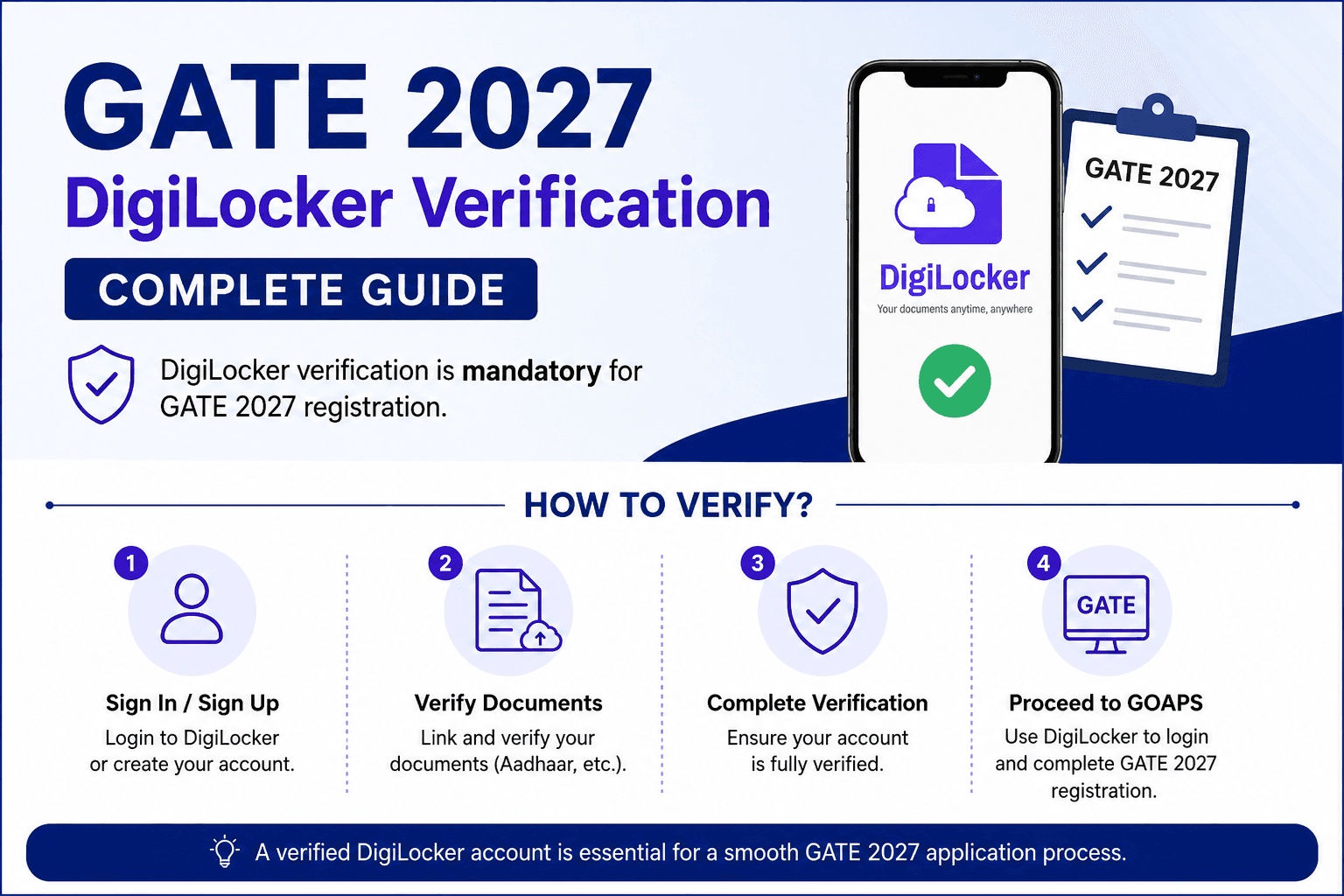
The registration process for the Graduate Aptitude Test in Engineering (GATE) 2027 now requires all Indian applicants to complete DigiLocker verification before starting the application process. Candidates must have a verified DigiLocker account to access and complete registration through the GATE Online Application Processing System (GOAPS). According to the official guidelines, GATE 2027 registration began on August 14, 2026, and DigiLocker authentication has been made mandatory to streamline identity verification and improve the accuracy of candidate records.
Why Is DigiLocker Required for GATE 2027?
DigiLocker is a secure digital document wallet developed and managed by the Government of India. It allows users to store, access, and share verified digital documents online.
The integration of DigiLocker with GATE 2027 aims to:
- Simplify the identity verification process.
- Reduce errors in candidate information.
- Improve document authenticity and security.
- Enable a faster and paperless registration process.
- Minimize discrepancies between submitted and official records.
Candidates must complete DigiLocker verification before proceeding with the GOAPS registration process.
Details Required for DigiLocker Verification
Before starting the registration process, candidates should keep the following information and documents ready:
- Aadhaar Number or Virtual ID (VID)
- Aadhaar-linked mobile number
- Active mobile number for OTP verification
- Valid email ID
- Personal details matching Aadhaar records
- Recent passport-size photograph
- Signature image
- Category certificate (if applicable)
- PwD certificate (if applicable)
- Educational qualification details
How to Create a DigiLocker Account
Candidates who do not already have a DigiLocker account can create one by following these steps:
Step 1: Visit the DigiLocker Website
Go to the official DigiLocker website and click on the "Sign Up" option.
Step 2: Enter Basic Details
Provide the following information:
- Full Name
- Mobile Number
- Email ID
- Date of Birth
- Security PIN
- Aadhaar Number (optional during sign-up but required for verification)
Step 3: Verify Mobile Number
An OTP will be sent to your registered mobile number. Enter the OTP to complete mobile verification.
Step 4: Link Aadhaar
- Log in to your DigiLocker account.
- Select the "Link Aadhaar" option.
- Enter your Aadhaar Number or VID.
- Complete OTP-based Aadhaar authentication.
- Finish the e-KYC process.
Once completed, your DigiLocker account will be verified and ready for GATE registration.
Steps to Link DigiLocker for GATE 2027 Registration
After successfully verifying your DigiLocker account, follow these steps to complete GATE 2027 registration:
Step 1: Visit the GOAPS Portal
Open the official GATE 2027 registration portal.
Step 2: Start New Registration
Click on "New Candidate Registration" and enter the required personal information.
Step 3: Select DigiLocker Verification
During the registration process, choose the DigiLocker authentication option when prompted.
Step 4: Log In to DigiLocker
- Registered mobile number, or
- Aadhaar number, or
- DigiLocker username
- Complete OTP verification.
Step 5: Provide Consent
Allow DigiLocker to securely share the required identity information with the GATE registration system.
Step 6: Verify Auto-Fetched Details
After successful authentication, basic personal details will be automatically retrieved from DigiLocker. Review the information carefully and confirm its accuracy.
Step 7: Complete the Application Form
Fill in the remaining details, including:
- Educational qualifications
- Category information
- Preferred examination cities
- Contact details
- Upload all required documents as per the prescribed specifications.
Step 8: Pay the Registration Fee
Proceed to the payment gateway, pay the applicable registration fee, and submit the application.
Step 9: Download the Confirmation Page
After successful submission, download and save the confirmation page for future reference.
Important Instructions for Candidates
- Ensure that Aadhaar details match the information entered in the GATE application form.
- Keep the Aadhaar-linked mobile number active to receive OTPs.
- Complete DigiLocker verification well before the registration deadline.
- Use only the official DigiLocker website and GOAPS portal.
- Carefully review all uploaded documents before final submission.
- Verify personal and academic details thoroughly to avoid future discrepancies.
- Resolve any DigiLocker authentication issues as early as possible.
Common Issues and Their Solutions
1. OTP Not Received
Possible Cause: Network congestion or delayed SMS delivery.
Solution:
- Wait a few minutes.
- Click on "Resend OTP."
- Ensure your mobile network is active.
2. Aadhaar Not Linking with DigiLocker
Possible Cause: Mobile number is not linked with Aadhaar.
Solution:
- Verify Aadhaar-linked mobile status.
- Update mobile details through an Aadhaar Seva Kendra if required.
3. Aadhaar Already Registered
Possible Cause: Aadhaar is already associated with an existing DigiLocker account.
Solution:
- Use the "Forgot Username" or "Forgot Password" option.
- Log in to the existing account instead of creating a new one.
4. Name Mismatch Between Aadhaar and Application
Possible Cause: Differences in spelling or personal details.
Solution:
- Ensure the information entered during registration exactly matches Aadhaar records.
- Update records beforehand if necessary.
Conclusion
The mandatory DigiLocker integration for GATE 2027 is a significant step toward a more secure, efficient, and paperless registration process. Candidates should create and verify their DigiLocker accounts well in advance, ensure that their Aadhaar details are updated, and complete the authentication process before beginning GOAPS registration.
By preparing the required documents and completing DigiLocker verification early, applicants can avoid last-minute technical issues and ensure a smooth GATE 2027 application experience.