GATE 2027 Registration Last Date Extended to October 5, 2026: Late Fee Till October 12, DigiLocker Errors and Fixes
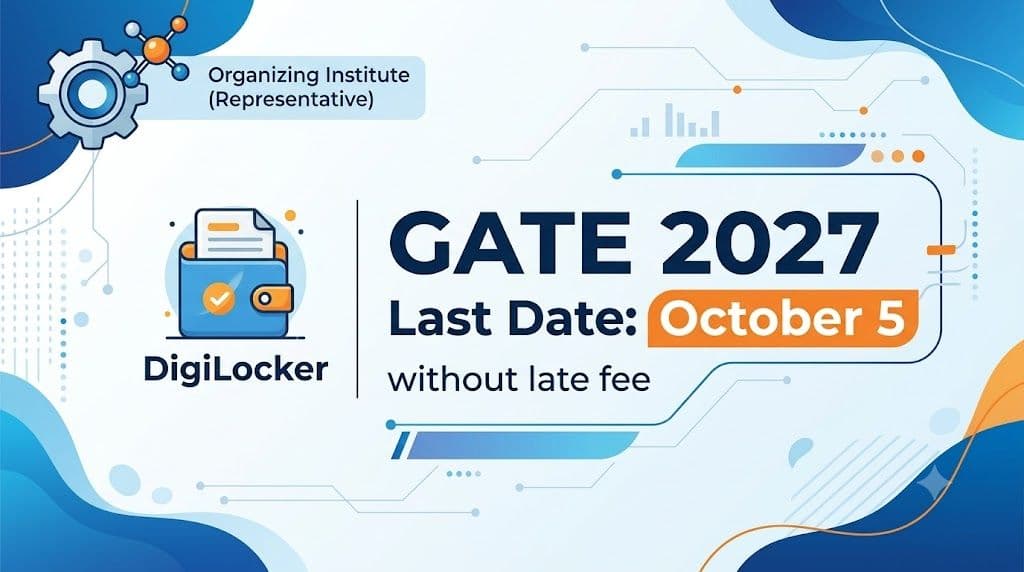
IIT Madras has extended the GATE 2027 registration deadline without a late fee to October 5, 2026. The earlier deadline was September 27. Candidates who miss the new date can still apply with a late fee until October 12, 2026. The extension follows requests from candidates, according to the official website.
Applications are submitted on the GOAPS portal, linked from gate2027.iitm.ac.in. GATE 2027 is used for MTech and research admissions at IITs, IIITs, NITs and IISc, and several PSUs consider the score for recruitment. Only candidates who register successfully can appear. The exam will be held on February 6, 7, 13, 14, 20 and 21, 2027.
GATE 2027 important dates
| Event | Date |
|---|---|
| Registration opened | September 2, 2026 |
| Last date, no late fee (extended from Sept 27) | October 5, 2026 |
| Last date, with late fee | October 12, 2026 |
| Application rectification window | October 14 to 21, 2026 |
| Exam city allotment | January 4, 2027 |
| GATE 2027 exam | February 6, 7, 13, 14, 20, 21, 2027 |
As of October 2, no further extension has been announced. Candidates should not wait for one.
GATE 2027 application fee (per paper)
| Category | Regular window | Late-fee window (till Oct 12) |
|---|---|---|
| Female / SC / ST / PwD | ₹1,000 | ₹1,500 |
| General / OBC-NCL / EWS and others | ₹2,000 | ₹2,500 |
The late fee is an additional ₹500. The fee does not include service charges, and it is non-refundable once paid. Check the Information Brochure for the fee of foreign nationals and other categories.
How to apply for GATE 2027
- Read the Information Brochure for eligibility, paper codes, document specifications and exam rules.
- Go to gate2027.iitm.ac.in and open the registration (GOAPS) link.
- Continue with DigiLocker and enter the required details.
- Check the auto-filled details, choose one or two papers from the permitted combinations, and select your exam cities within one GATE zone. Check the brochure for the exact number of cities allowed.
- Upload your photograph and signature as per the specifications. SC, ST and PwD candidates must also upload certificates through DigiLocker Drive.
- Pay the fee online.
DigiLocker is mandatory for Indian nationals
This is the first year GATE registration requires a DigiLocker account. IIT Madras has allowed candidates to register with an unverified account. Their forms and documents will be scrutinised after the registration window closes. The institute also advises new candidates not to delete their verified or unverified DigiLocker accounts after submitting the application and paying the fee.
DigiLocker fetches your name, date of birth, mobile number, email ID, profile picture, address and verified ID number. Check every fetched field. Errors in name, date of birth or category are hard to change later. Use your name and date of birth exactly as on your photo ID and academic records, with no nicknames, initials or spelling variations. Carry the same ID to the exam centre, because a mismatch can lead to denied entry. The scorecard is prepared from your registration details.
To create a DigiLocker account:
- Go to digilocker.gov.in and click Login/Register, or use the mobile app.
- Enter your full name as on Aadhaar, date of birth and gender.
- Enter the mobile number linked to Aadhaar.
- Create a 6-digit security PIN.
- Enter your email ID and set a username and password.
- Submit and enter the OTP sent to your mobile.
- Link Aadhaar and complete Aadhaar OTP verification to unlock all features.
Common GATE 2027 registration errors and fixes
These fixes are commonly reported by candidates and are not from an official IIT Madras list. If one doesn't work, contact the GATE helpdesk.
| Error | Reported fix |
|---|---|
| "Email already registered" | Usually caused by two DigiLocker accounts (one verified, one unverified) with the same email. Restart the consent from the verified account. If needed, change the email ID and retry in an incognito window. |
| Address details missing | The DigiLocker mobile number may not be linked to Aadhaar. Update the mobile number and email in DigiLocker, then reapply in incognito mode. |
| DigiLocker Drive errors (mainly SC/ST/PwD), such as "Address Line 1 not available" or "GATE2027 folder not found" | Create a folder named "GATE2027" in DigiLocker Drive. Name files exactly CATEGORY.pdf, PWD_CERT.pdf or UDID_CERT.pdf. Keep each under 600 KB and use the same account throughout. |
| Drive access not granted | Revoke the consent, log in again and allow Drive access when asked. |
| Consent validity modified | Revoke the consent and redo the process without editing the dates. |
| College name error | Remove special characters such as brackets and "&", or type the name manually if it isn't listed. |
To revoke consent: log in to DigiLocker, click your profile photo, open Manage your Account Settings, go to My Consents and revoke GATE-2027. Then log in to the GATE portal again and click Allow when the consent window appears.
GATE 2027 eligibility
Students in the third year or final year of a bachelor's degree, and those who have completed it, can apply. This includes candidates awaiting final-year results. Programmes covered include engineering, technology, architecture, science, commerce, arts and humanities. Candidates who don't meet the criteria will have their candidature cancelled. See the brochure for the full list of eligible degrees.
How to check your application status
Log in to the GATE 2027 portal through the registration link and continue with DigiLocker. The status appears on screen. If there is a discrepancy, the authorities will contact you on your registered email ID.
What candidates should do now
The no-late-fee window closes on Monday, October 5. Submit the form early to avoid portal rush and payment failures. After that, the rectification window from October 14 to 21 lets you correct errors. Candidates opting for two papers should check the permitted combinations on the official site.