
DU UG Admission 2026: Dyal Singh Enters Top 6 Preferences, SRCC Slips in CSAS Choice List

Published 14 Jul 20263 min read135 Views
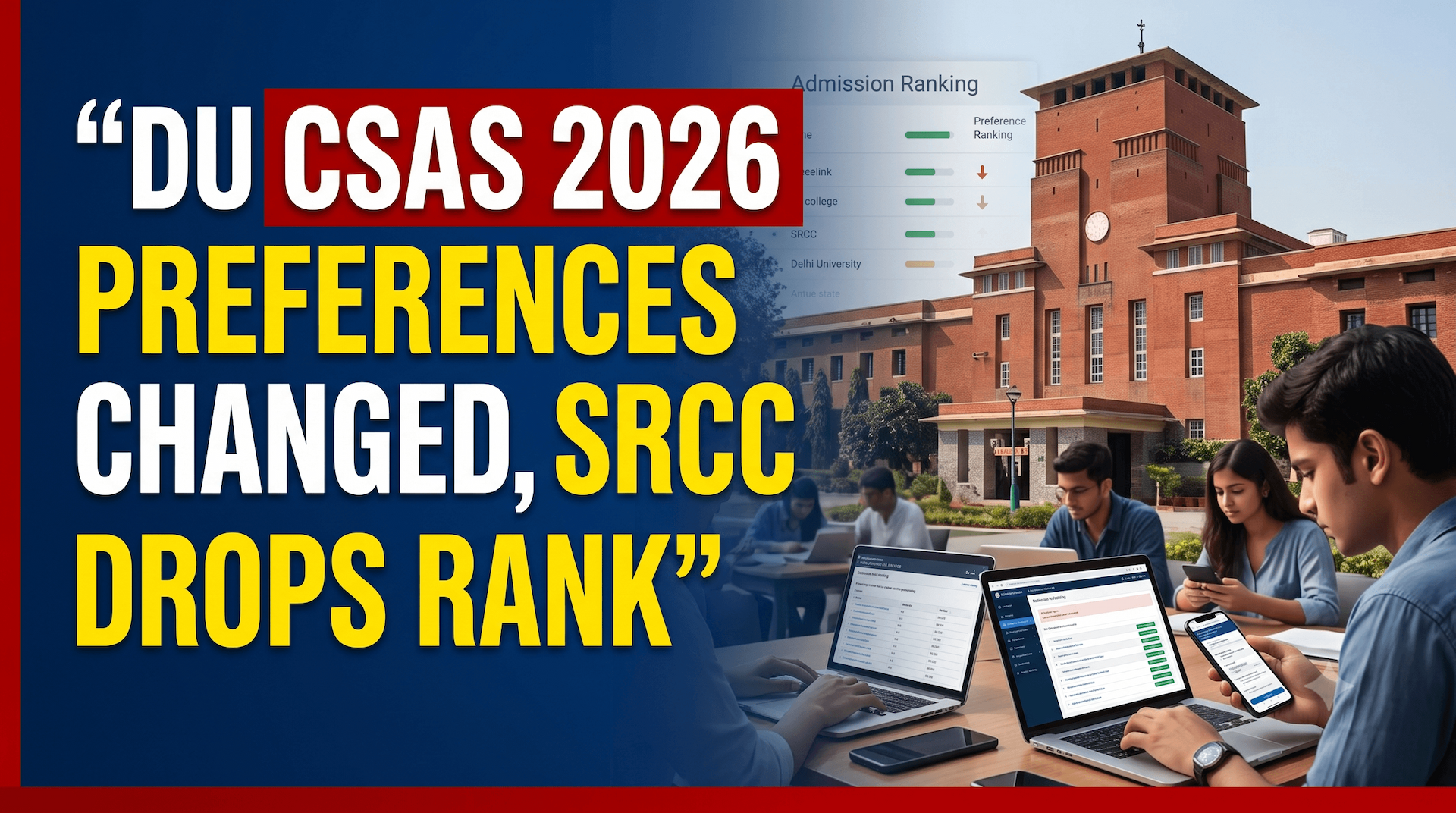
University of Delhi (DU) undergraduate college preferences have changed a lot for 2026. This change is based on the data from Common Seat Allocation System (CSAS) Phase 2. Applicants submitted their choices on the official website at admission.uod.ac.in. Dyal Singh College has now made it to the top six for the first time. Shri Ram College of Commerce (SRCC) has fallen out of the top five. Sri Venkateswara College is also among the top six this year. The preference filing period has ended, and the simulated ranks are already available. The first CSAS seat allocation list is expected to be released soon. All the key dates are listed in the table below.
How has the preference chart changed?
SRCC has usually been the top choice for commerce students at DU. This year, however, many applicants have put other colleges above SRCC. Dyal Singh College has made it into the top six for the first time. Sri Venkateswara College is also in the top six this time. Both colleges are well-known for their science and commerce courses. Their convenient location in central Delhi and reasonable fees make them popular choices.
What Does This Mean for CUET UG Candidates?
DU assigns seats through CSAS using CUET UG scores and the order of preferences. The system selects the highest-ranked college that a candidate is eligible for. A shift in the overall preferences can change the closing ranks. The top six colleges might have higher cut-off marks than last year. SRCC could have slightly lower cut-offs in some of its programs. Candidates should carefully look at the simulated ranks before the allocation list is released.
How to Check DU CSAS Seat Allocation 2026?
The first CSAS allocation list will be available on the official portal. Candidates need to log in to see which college and course they have been allotted. The following steps explain how to check the results.
- Go to the official DU website at admission.uod.ac.in.
- Log in using your CSAS username and password.
- Click on the Seat Allocation Result tab.
- Check the college and course you have been allocated.
- Download the allocation letter for future use.
Action Plan for Candidates
- Log in to admission.uod.ac.in and check your simulated rank.
- Review your preference order for any last-minute mistakes.
- Keep an eye on the official portal for the first CSAS allocation list.
- Accept the allotted seat online within the given time.
- Upload the required documents for verification at your parent college.
- Pay the admission fee before the deadline to confirm your seat. Only One headline